
Step 1
Choose a photo
Start with a clean portrait before the app shows the guess.
Take a photo or pick one from your library and let Estimate my Age guess how old you look. It is quick, fun, surprisingly addictive, and even better when you try it on friends, family, or old photos.
Available on the App Store as Estimate my Age. Built for iPhone and iPad. Intended for entertainment. Backed by clear support and privacy pages.
Start with a clean portrait before the app shows the guess.
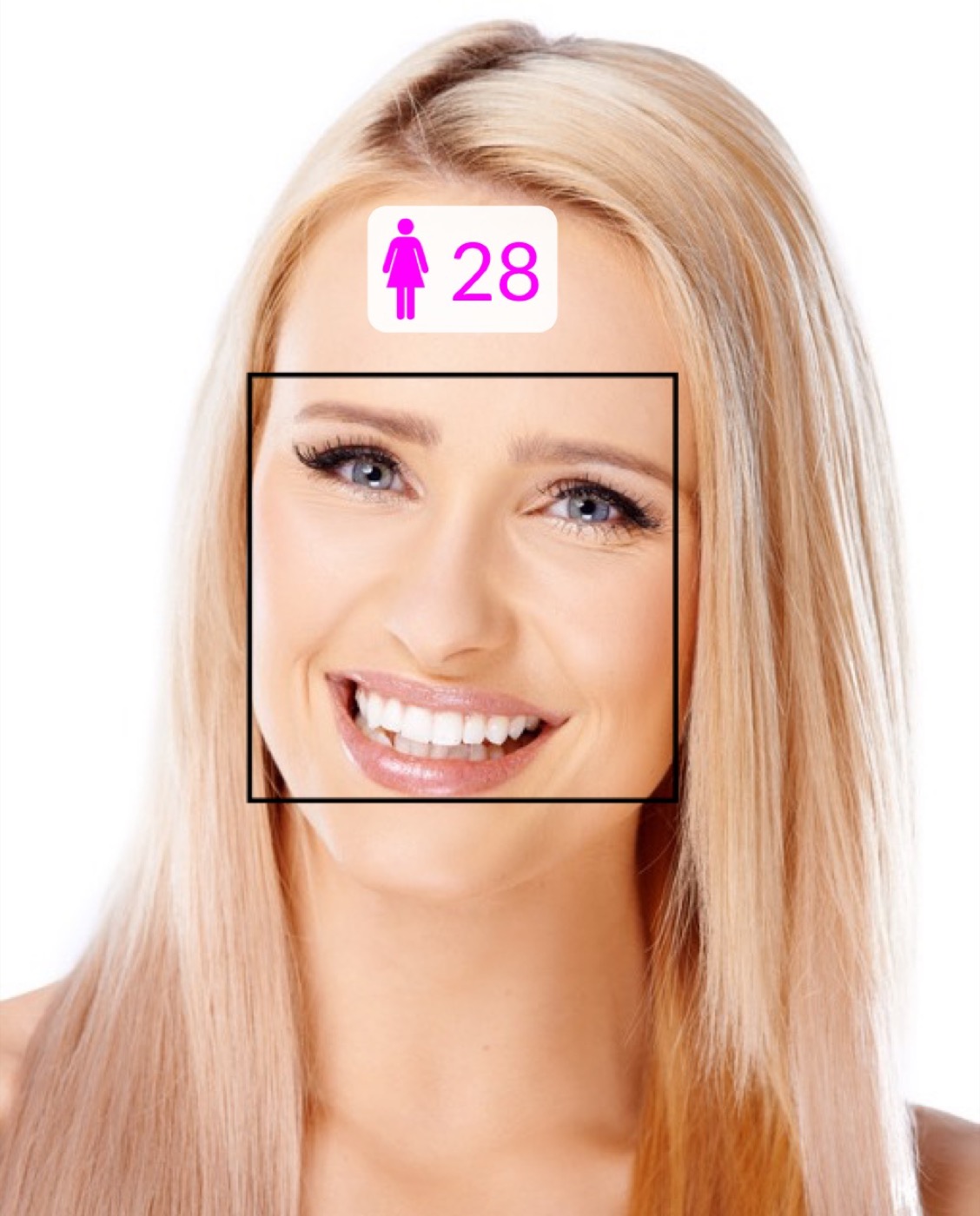
See the estimate in seconds.
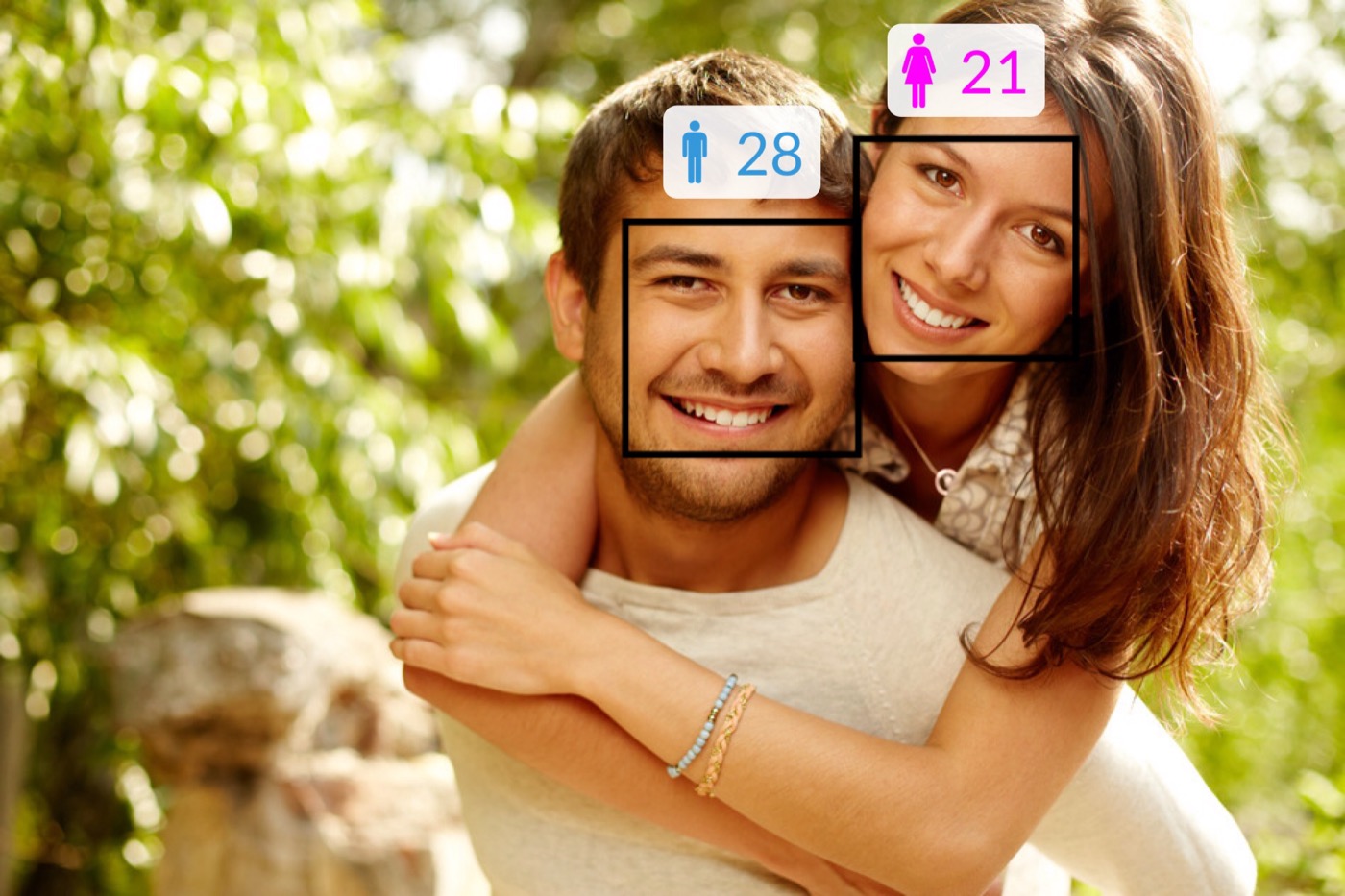
Try the 2-Person Challenge with a friend.
That is the pattern behind the App Store feedback: people love how fast, fun, and surprisingly accurate it feels. One photo quickly turns into another selfie, a friend challenge, and a round of “try mine next.”
A quick sign that the app already wins people over.
That many ratings make the app feel like something people genuinely download, test, and pass around.
The reviews keep circling back to the same pattern: one photo quickly turns into several.
That is exactly what makes the app easy to pass around. A single scan turns into a selfie test, a friend challenge, and then an older photo from the camera roll.
“Fun time waster.”
The reviewer kept pushing the app with less flattering pictures just to see how the guess would move.
“Shockingly accurate.”
Different moods, different lighting, different family faces, and still close enough to stay interesting.
“It’s incredibly accurate.”
That is the real hook of the app: it reads the age a face gives off in a photo, which is exactly what people want to test.
“Very accurate for the most part.”
The moment you stop at your own selfie and start handing the phone to other people, the app gets much more entertaining.
Quotes and ratings above come from the public U.S. App Store listing for Estimate my Age.
Use the camera or choose a picture from your photo library.
The app estimates how old the person in the photo looks and shows it instantly.
Compare two faces and see who looks younger or older in one fast scan.
Unexpected results are part of the fun, especially when you try more than one photo.
The idea lands instantly: choose a face, get a playful guess, react to it, and try again with someone else.
Start with a face photo from your camera or photo album. Clear portraits with good lighting work best.
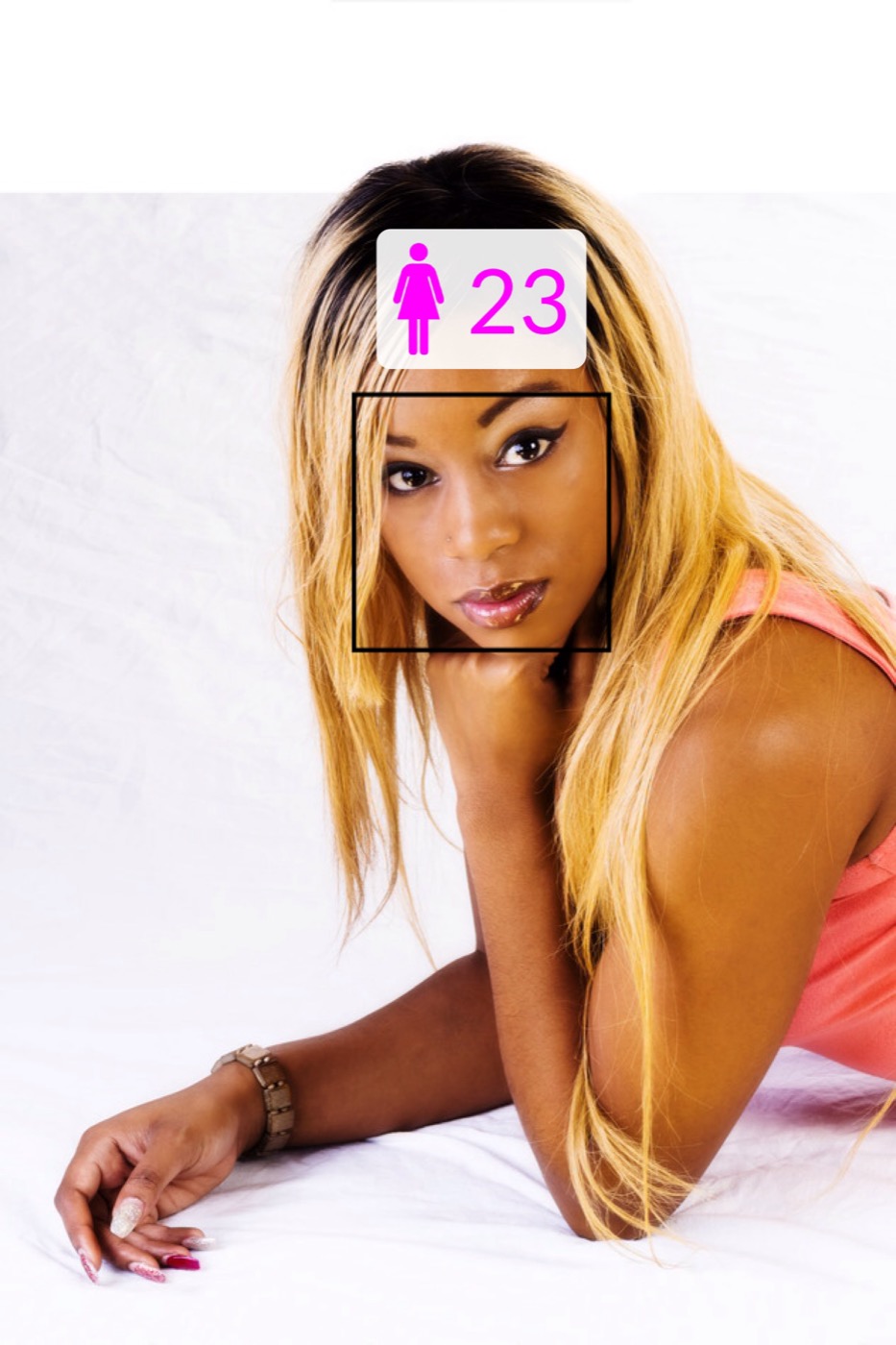
The app scans the face and reveals a playful age guess in its bold neon result style.
Try a second photo, test a friend, or use the 2-Person Challenge to compare two faces side by side.
The best part of a photo app like this is that one try usually turns into several: your own selfie, your best friend, your parents, an old photo, or the one person in the group chat who swears they still look twenty-one.
You do not need setup, a long tutorial, or a complicated workflow. Start with a photo and see the result fast.
Friends, couples, siblings, parents, and old photos make the experience much more entertaining than a single one-off selfie.
Part of the app’s charm is the reaction. Sometimes it feels flattering, sometimes ruthless, and that is exactly why people keep showing it to others.
That is the real hook of the app. You try your own photo, react to the guess, and then hand the phone to a friend, your partner, or the one person who swears they still look twenty-one. In seconds it turns into a quick challenge, a comparison game, and a surprisingly addictive little moment.
Estimate my Age is perfect for selfies, old profile pictures, friend challenges, family comparisons, “guess who looks younger” moments, and any photo you suspect might surprise you.

These images come from the real app experience, so the page reflects what people will actually see after they install it.

A quick solo scan is the easiest way to test how old you look in one photo.
The 2-Person Challenge makes the app more competitive, more social, and much more fun with friends.
The bold result card is part of the app’s personality and helps every scan feel more dramatic.
Some people ask “how old do I look?” Others think in terms of an age detector, a photo guess, or a face-age calculator. Pick the route that feels natural and jump straight in.
However you describe it, the experience is the same: choose a photo, get an age guess, compare results, and enjoy the reaction.
Start with the angle that feels most familiar and head straight to the App Store from there.
Best if you want the app to answer the classic question as directly as possible.
A good fit if you want a straightforward portrait-based age detector on iPhone.
Perfect if your first thought is testing a selfie, portrait, or old photo.
Ideal if you think in calculator terms but still want something visual and fun.
It takes a portrait photo and gives a playful age guess in a bright, easy-to-read result view.
Just take a photo with the camera or choose one from your photo library. The app then estimates the age of the people in the picture.
Yes. The current App Store listing highlights a 2-Person Challenge where you can scan two faces and compare the estimated ages instantly.
Yes. The App Store description explicitly frames the app as entertainment, and the results are generated by algorithms rather than scientific validation.
Download Estimate my Age, test your best selfie, and then hand the phone to the next person who says they still look twenty-one.